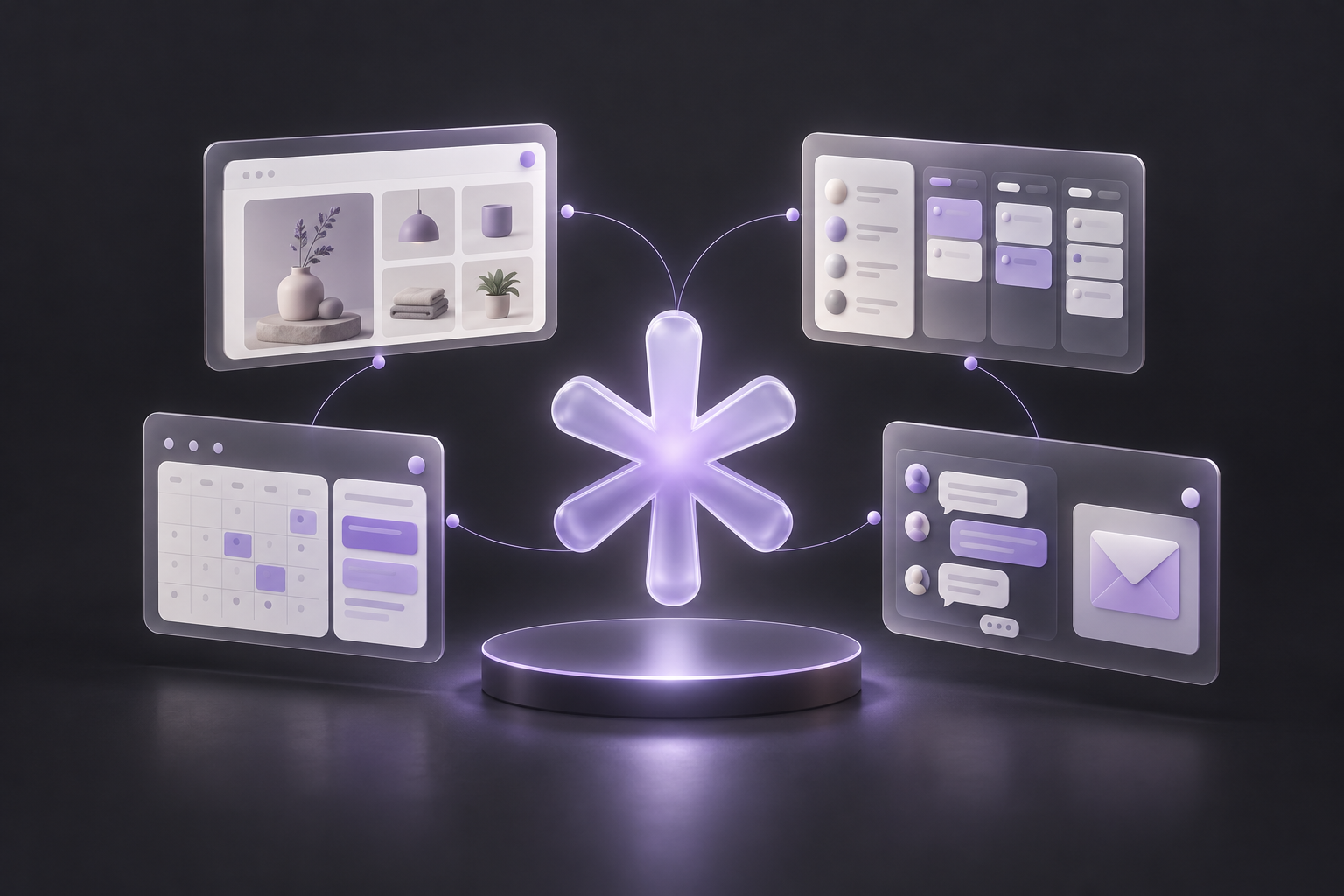
01 / CUSTOMER ACQUISITION
Attract customers.
Websites, stores with online payments, forms and social media help turn interest into enquiries or orders.
Example: a customer finds your offer, submits a form and appears as a contact in CRM.

Bring contacts, sales and customer communication together. Milina Studio helps you build websites and stores, respond to social media messages and comments, and automate everyday tasks.
Start with what you need — from a simple CRM to AI assistants.
Free demonstration · No purchase obligation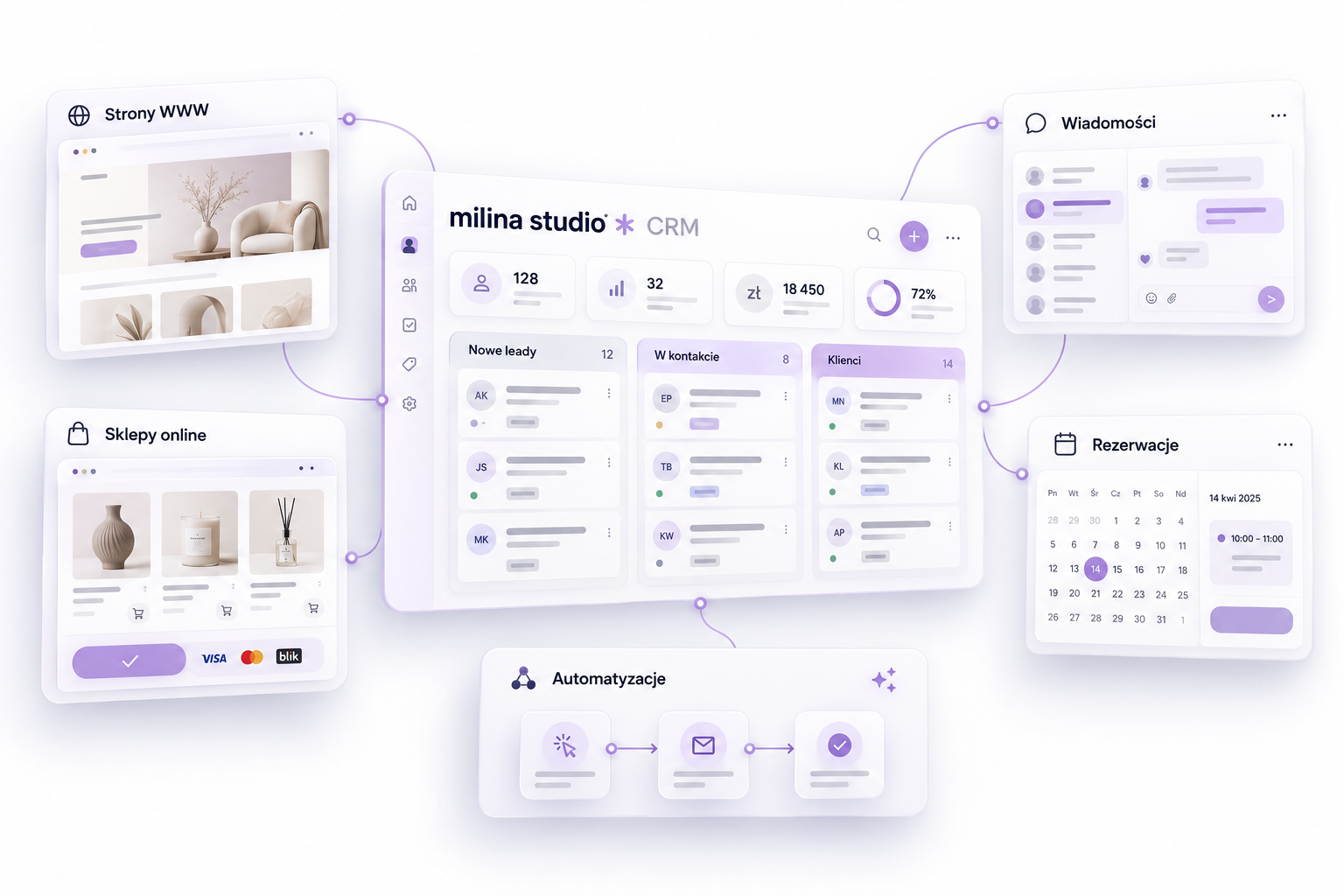
Choose the process you want to improve. Start with the essentials and expand at your own pace.
Websites, stores with online payments, forms and social media help turn interest into enquiries or orders.
CRM, pipelines, calendars and follow-ups connect contacts with the next step. See who is waiting for a quote, a call or a reminder.
Respond to social media messages and comments. Add Chat AI or optional Voice AI if they suit the way you work.
Feature scope depends on configuration, connected accounts and channel policies. You can use CRM, websites, stores and automation without adopting Voice AI.
The agent replies to Facebook and Instagram comments, continues the conversation and helps find a relevant offer. Once contact details and any required consent are collected, automation can send an email, follow up and guide the customer towards booking or payment.
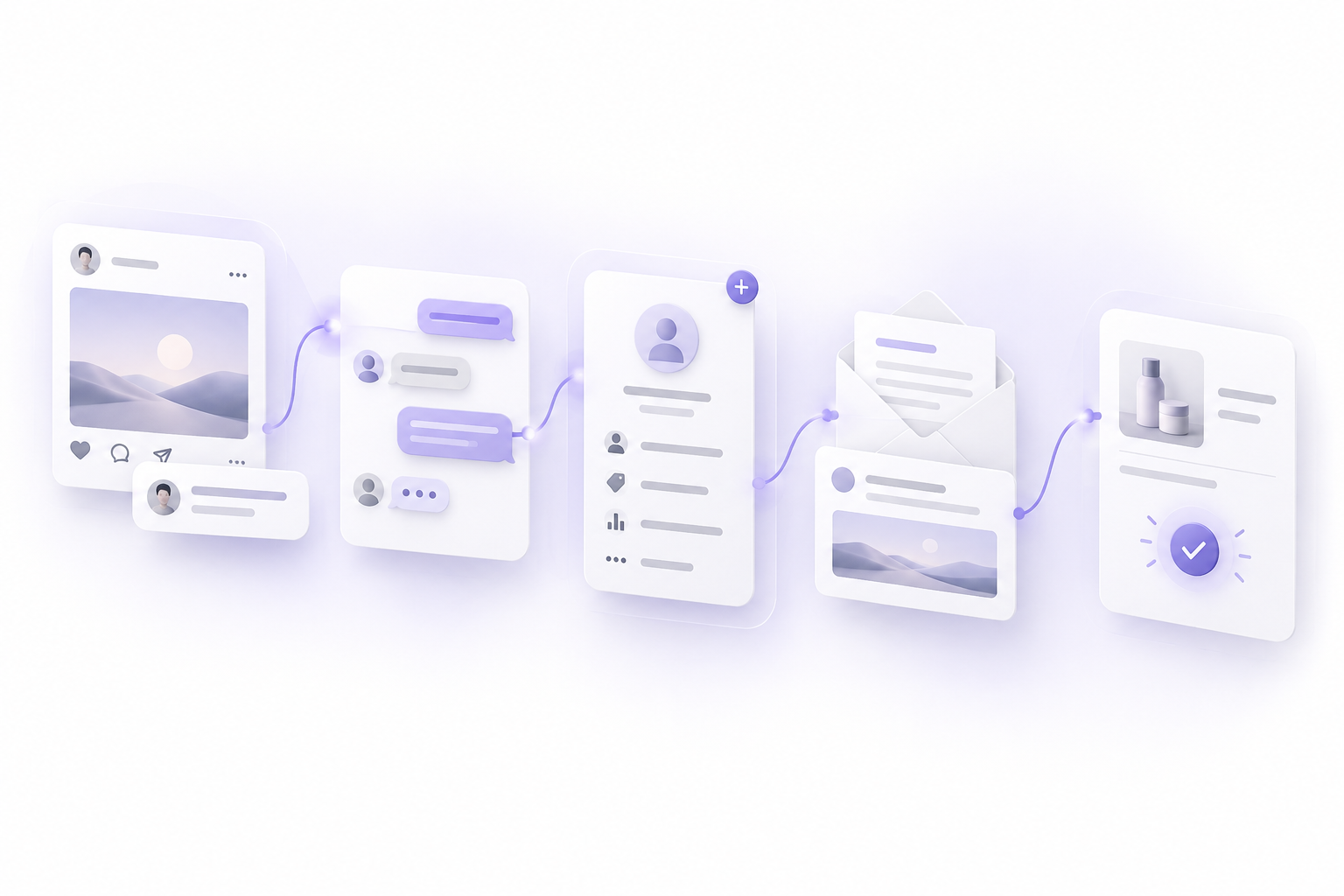
Everything connects to CRM — your team can see the contact history and knows the next step.
See this workflow for your businessChannels and actions depend on configuration, permissions and platform policies. Private messages and emails require the appropriate conditions, contact details and consent where required.
Choose an example. This is an interactive process illustration, not a live assistant or a real conversation.
A customer submits your website form
The contact enters CRM and the relevant sales stage
The team receives a task and a follow-up reminder
Step 1 / 3
During your free demo, we’ll discuss one process in your business and show how it could be handled. Before deciding, you’ll understand the setup scope, limitations and costs.
See a demo for your businessChoose one specific problem and contact channel.
Explore the workflow and check the integrations needed.
Agree scope, limits and pricing before launch.
Create and manage any number of websites and online stores connected to online payments. Bring your offer, orders and contacts together with your CRM workflows.
Explore websites and online storesPayment providers, supported methods, currencies and transaction fees depend on the selected integration and its terms. Unlimited websites and stores does not mean payment processing or third-party services are free.
Connect websites, stores and your sales process to online payments. Make it easier for customers to pay for products and services, then trigger confirmations and the next steps in CRM after a purchase.
Available payment methods, currencies and transaction fees depend on the connected provider.
One-time system setup from £398.03 from £284.31 Special offer excl. VAT. The final price depends on system complexity and your chosen resources, features and integrations. Voice AI and Chat AI are available in other plans or as separate add-ons.
CRM, customer database, pipeline and calendar.
See a demo for your businessProposed prices. Setup and usage of calls, messages and AI are charged according to your quote.
Milina Studio is part of Venus Art Studio, operating within Fundacja Venus Art Atelier. We combine CRM, automation and AI with video production — brand films, advertising and social media content.
From a film that captures attention to a system that turns enquiries into customer relationships. Ask us about video production during your consultation.
We’re preparing a new Venus Art Studio website connected to the foundation. All profits from both brands support the foundation’s activities.
By choosing our services, you also support Fundacja Venus Art Atelier.
Not always. We’ll check integration options with your system before setup.
The assistant’s scope is defined during setup. We also agree when an enquiry should be handed to a person.
A conversation about your needs and a demonstration of a selected process. There is no purchase obligation.
See how Milina Studio can connect
your processes. Book a free demo.